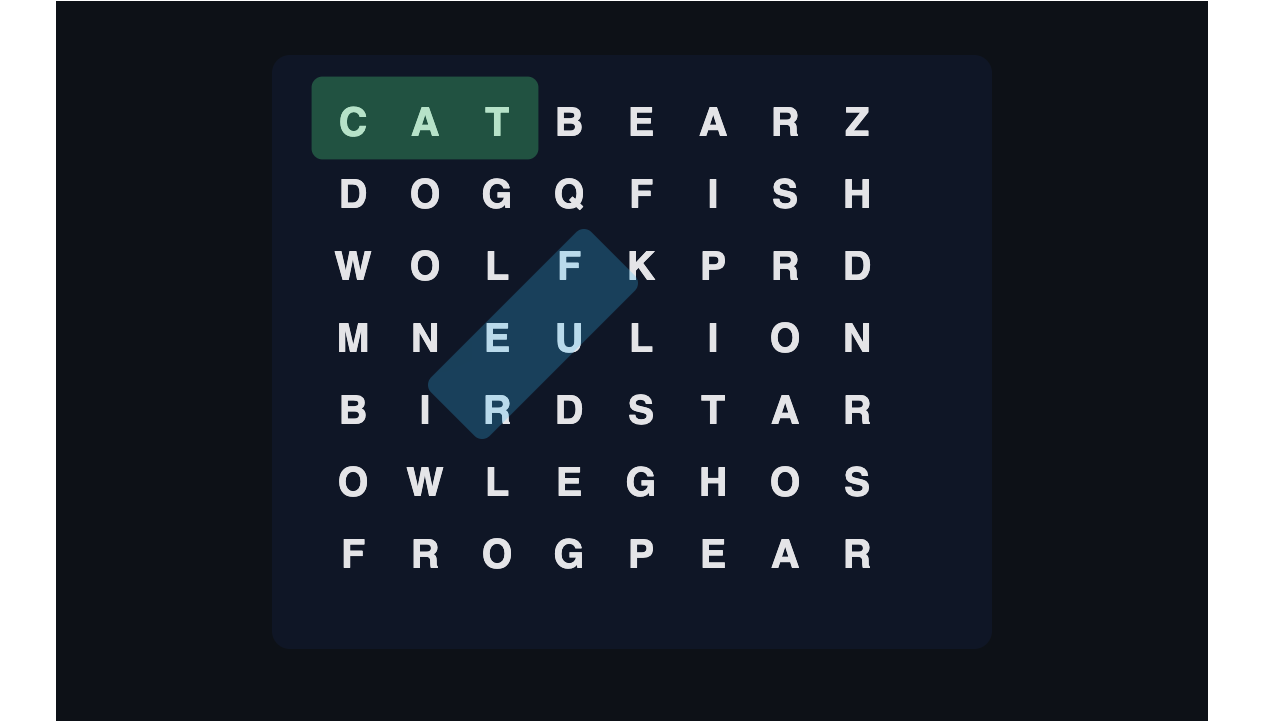
Play Word Search online free
Classic word find. Drag a line of letters, no download.
2D · Single player
Tap play. No download.
Play opens fullscreen. Back exits the game. Change your name in the header.
At a glance
- Kind
- 2D browser game
- Genre
- Puzzle
- Play modes
- Single player
- Cost
- Free — no download or account required
- Devices
- Desktop and phone (keyboard and touch)
How to play
- 1Tap Play. A letter grid and an HTML word list appear. Medium is a 10x10 board and the default.
- 2Drag a straight line of letters — eight directions, including backwards — to find a word.
- 3Found words get a colored line on the grid and a strike-through on the list. Find every word to win.
- 4Use Hint to light the first letter of a hidden word. You have three free hints.
- 5Score is time plus leftover hints. When you win, InstantGameBox saves the score as your personal best on this device.
About this game
Word Search here is the classic letter-hunt puzzle you can play in the browser: a square grid of letters and a list of hidden words. Drag a straight line across the board — horizontal, vertical, or diagonal, and in either direction — to mark a word. Find every word on the list to finish the puzzle.
Three grid sizes change how long a round lasts. Easy is 8x8 with eight words. Medium, the default, is 10x10 with eleven. Hard is 12x12 with fourteen words packed in all eight directions. Each new game can use a themed pack — Animals, Food, Space, Nature, or Sports — so the list stays family-friendly and English-only. You can lock a theme from the buttons above the board.
On a phone you drag with a finger. The word list is HTML above the board, not painted on the WebGL canvas, so you can read it and scroll it when the grid is small. At a desk you drag with the mouse, or move a cursor with the arrow keys and start or end a selection with Space or Enter. Found words get a colored line on the grid and a strike-through on the list. There is no on-screen joystick. Mute stays on the shell Back/Mute row.
Score is time-based: a faster finish is worth more, and leftover hints add a bonus. When you find the last word, InstantGameBox posts the score with onGameOver and your personal best lives on the this device. The game never writes scores to localStorage. A mid-run board — grid, words, found marks, timer, difficulty, and theme — can come back through saveProgress if you leave and return.
You get three free hints per puzzle. A free hint lights the first letter of an unfound word. If a rewarded ad is available after those run out, you can watch one to reveal a full remaining word. If you want another short session after this one, Sudoku is at /2d/puzzle/sudoku and Minesweeper is at /2d/puzzle/minesweeper.
Controls
- Select a word
- Drag a straight line / tap-drag
- Move cursor
- Arrow keys
- Start or end a selection
- Space or Enter
- Hint
- Hint button or H
- New game / difficulty / theme
- New, Easy / Medium / Hard, or a theme button
- Pause
- Pause button or P
What you get
- Classic word search with eight directions on 8x8, 10x10, and 12x12 grids
- Animals, Food, Space, Nature, and Sports word packs — English and family-friendly
- HTML word list with strike-through found words, not painted on the canvas
- Drag, mouse, and keyboard selection — arrows plus Space or Enter
- Three free hints, optional rewarded full-word reveal
- Personal best saved on this device
Word Search FAQ
Is Word Search free to play in the browser?
Yes. Open the page and tap Play. You do not need an account or a download.
What do Easy, Medium, and Hard change?
They change the grid size and how many words are hidden. Easy is 8x8 with 8 words, Medium is 10x10 with 11, Hard is 12x12 with 14. Words can run in all eight directions on every difficulty. Medium is the default.
How do I play Word Search on a phone?
Drag a straight line across the letters. The word list sits above the board in HTML so you can read and scroll it. There is no on-screen joystick.
How do scores and best scores work?
Faster clears score higher, and leftover hints add a bonus. When you win, the shell posts the score. Personal best is stored on this device by the InstantGameBox shell.
Does the game save my progress?
A mid-run board can come back if you leave and return. Finished scores are stored as your personal best on this device.
More games
Related InstantGameBox titles — each has its own how-to-play page.
Puzzle
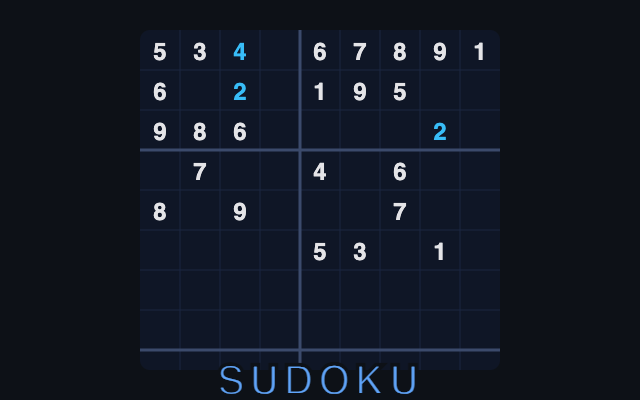
Sudoku
Classic 9x9 Sudoku. Fill the grid, no download.

Casual
Memory
Flip cards, match pairs, and beat your InstantGameBox best.
Puzzle
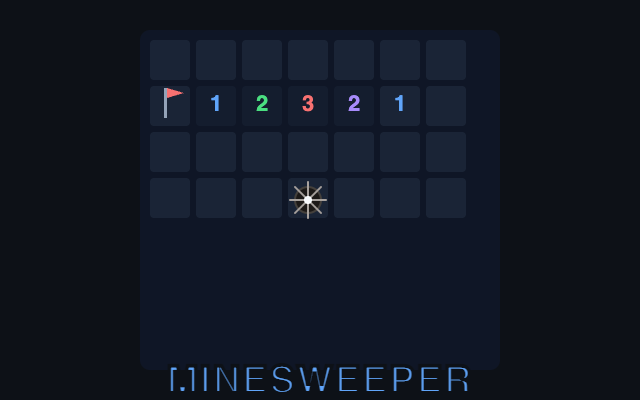
Minesweeper
Classic mine puzzle. Clear the field, no download.
 Online
Puzzle
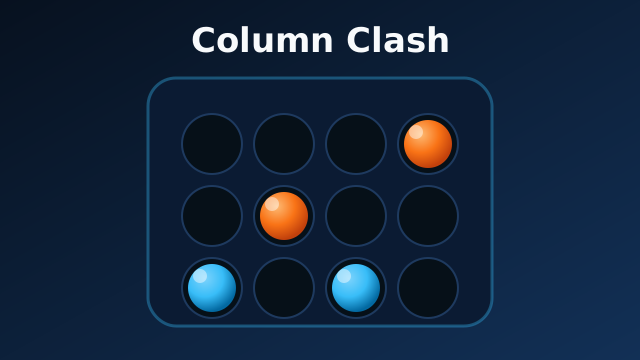
Column Clash
Turn-based connect-four duels
Puzzle
2048
Slide, merge, and build a 2048 tile on a Classic 4x4 board.
Puzzle
3x3 2048
A nine-cell 2048 board where every swipe has to earn its keep.