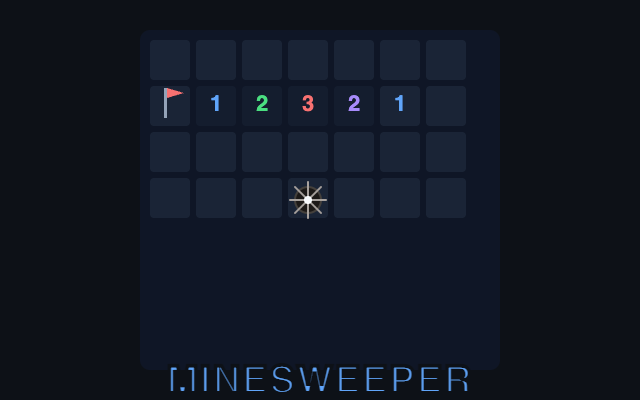
Play Minesweeper online free
Classic mine puzzle. Clear the field, no download.
2D · Single player
Tap play. No download.
Play opens fullscreen. Back exits the game. Change your name in the header.
At a glance
- Kind
- 2D browser game
- Genre
- Puzzle
- Play modes
- Single player
- Cost
- Free — no download or account required
- Devices
- Desktop and phone (keyboard and touch)
How to play
- 1Tap Play. A hidden grid appears. Beginner is 9×9 with 10 mines and is the default.
- 2Tap a cell to open it. The first open is always safe and floods the empty region around it.
- 3Numbers show how many mines touch that cell. Flag cells you think are mines.
- 4On a phone, turn Flag on to tap-flag, or long-press about 400ms to toggle a flag.
- 5Tap a revealed number to chord: if the flags around it match the number, the rest open. A wrong flag can lose.
- 6Clear every non-mine cell to win. InstantGameBox saves the time-based score as your personal best on this device.
About this game
Minesweeper here is the classic mine puzzle you can play in the browser: a grid of hidden cells, a known number of mines, and numbers that tell you how many mines touch a revealed cell. Open every safe cell. Flag the mines so you do not click them. The first click is always safe — mines are placed after that open, never under the cell you clicked and never in its eight neighbors, so the opening flood is guaranteed.
Three difficulties sit in the bar above the board. Beginner is 9×9 with 10 mines and is the default. Intermediate is 16×16 with 40 mines. Expert is 16×30 with 99 mines; the scene scales the cells down so the full board fits the play stage. The timer starts on the first open. The mine counter is mines minus flags and can go negative if you over-flag.
On a phone, tap a hidden cell to open it. Turn Flag on to tap-flag instead. A long-press of about 400ms toggles a flag when Flag mode is off. Tap a revealed number to chord: if that many flags already sit on its neighbors, the rest of those neighbors open — a wrong flag can lose. At a desk, left click opens, right click flags, arrows move a cursor, Space or Enter opens, F flags, N starts a new board, and P pauses. Mute stays on the shell Back/Mute row. There is no on-screen joystick.
Score is time-based per difficulty: a faster clear is worth more, and Expert uses a higher base than Beginner so a hard win can outscore a slow easy one. When every non-mine cell is open, the shell posts the score and your personal best lives on the this device. A lost run does not submit a high score. The game never writes scores to localStorage. A mid-run board after the first click can come back through the shell save if you leave and return.
If you want another short session after this one, Sudoku is at /2d/puzzle/sudoku and Solitaire is at /2d/casual/solitaire.
Controls
- Open a cell
- Left click / tap / Space / Enter
- Flag a cell
- Right click / Flag mode tap / long-press / F
- Chord (open neighbors)
- Click or tap a revealed number
- Move cursor
- Arrow keys
- New board
- New button or N
- Difficulty
- Beginner / Intermediate / Expert
- Pause
- Pause button or P
What you get
- Beginner 9×9/10, Intermediate 16×16/40, and Expert 16×30/99
- Safe first click with a guaranteed opening flood
- Flags, chording, and a phone Flag-mode toggle with long-press
- Code-drawn board on a dark felt — no pixel art
- Keyboard: arrows move, Space/Enter open, F flag, N new, P pause
- Personal best saved on this device
Minesweeper FAQ
Is Minesweeper free to play in the browser?
Yes. Open the page and tap Play. You do not need an account or a download.
What do Beginner, Intermediate, and Expert change?
Beginner is 9×9 with 10 mines, Intermediate is 16×16 with 40 mines, and Expert is 16×30 with 99 mines. The first click is always safe. Beginner is the default.
How do I play Minesweeper on a phone?
Tap a cell to open it. Turn Flag on to tap-flag instead. A long-press of about 400ms toggles a flag when Flag mode is off. There is no on-screen joystick.
How do scores and best scores work?
Faster clears score higher, and each difficulty has its own base. When you win, the shell posts the score. A loss does not submit. Personal best is stored on this device by the InstantGameBox shell.
Does the game save my progress?
A mid-run board after the first click can come back if you leave and return. Finished scores are stored as your personal best on this device.
More games
Related InstantGameBox titles — each has its own how-to-play page.
Puzzle
Sudoku
Classic 9x9 Sudoku. Fill the grid, no download.
Casual
Memory
Flip cards, match pairs, and beat your InstantGameBox best.
Puzzle
2048
Slide, merge, and build a 2048 tile on a Classic 4x4 board.
 Online
Puzzle
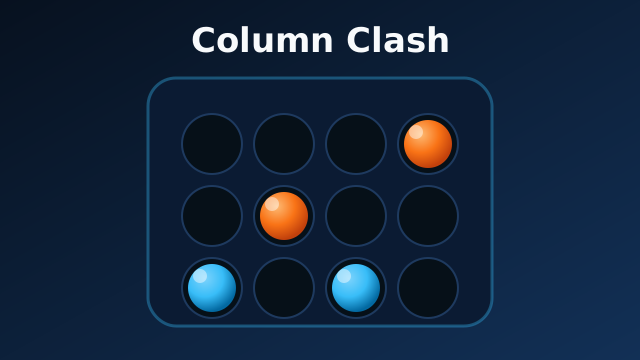
Column Clash
Turn-based connect-four duels
Puzzle
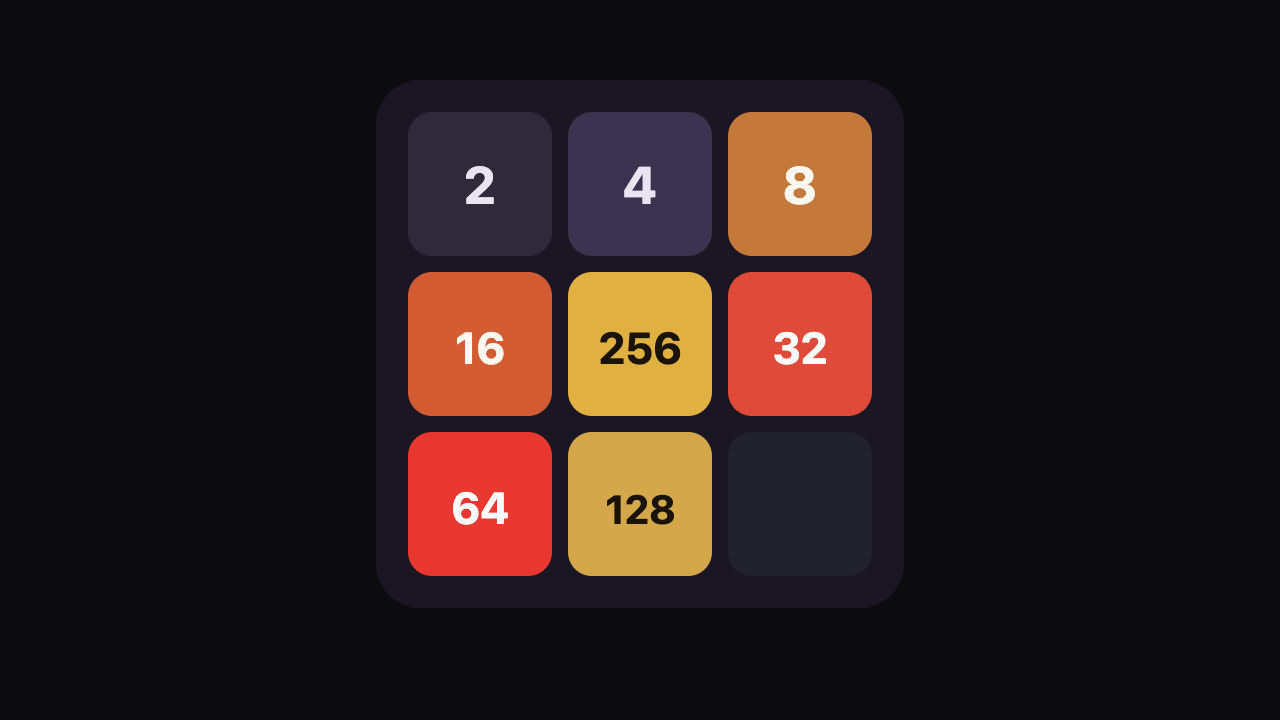
3x3 2048
A nine-cell 2048 board where every swipe has to earn its keep.
Puzzle
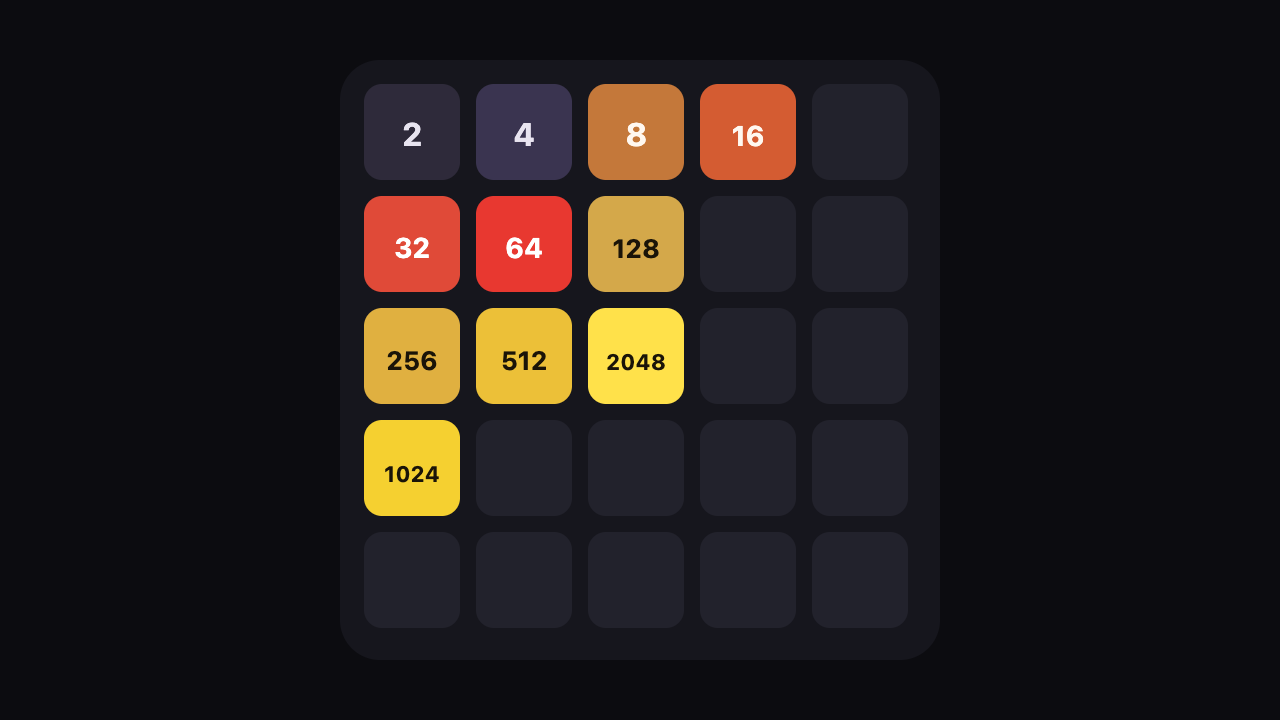
5x5 2048
Twenty-five cells, one new tile per turn, and room to recover a bad swipe.