
Play Orb Duel online
Real-time orb arena for two players
2D · How do you want to play?
Play opens fullscreen. Back exits the game. Change your name in the header.
At a glance
- Kind
- 2D browser game
- Genre
- Action
- Play modes
- Single player, plus online multiplayer (real time) on two devices (Invite or Anyone). Same-device pass-and-play is not offered.
- Cost
- Free — no download or account required
- Devices
- Desktop and phone (keyboard and touch)
How to play
- 1Choose Single player, or Multiplayer (Public or Private) from the play setup panel.
- 2Move your orb with arrow keys or by dragging on touch screens.
- 3Collide with the opponent orb to score — first to 10 points wins.
- 4Online public tables appear on Open Tables while waiting for an opponent.
- 5Private online matches can be shared with a 6-character code, link, or QR.
About this game
Orb Duel is a real-time arena for two glowing orbs. Chase, collide, and be first to ten points. Play single player against the CPU, or match online on two devices.
The loop is short and readable: move, hit, score. Public tables show up on Open Tables. Private matches share a six-character code.
Tap Play to enter fullscreen. On iPhone and iPad, if the Fullscreen API is blocked, the shell uses a CSS fullscreen fallback and restores the page when you press Back.
Controls
- Move
- Arrow keys or drag on a touch screen
- Score
- Collide with the other orb
- Exit
- Back on the play chrome
What you get
- Real-time PvP
- Solo and online on two devices
- First to 10 points
- Fullscreen play with CSS fallback
Orb Duel FAQ
Is Orb Duel free?
Yes. Open the page and tap Play. No account or download.
Can two people play on one device?
No. Multiplayer is two people on two different devices. Choose Public or Private, or play Single player against the CPU.
How do online matches work?
Public tables appear on Open Tables. Private matches use a 6-character code, link, or QR. Online play needs a connection and Turnstile on the game server.
Does Play go fullscreen?
Yes. Play uses the Fullscreen API, then a CSS fallback. Back exits fullscreen and returns to this page.
More games
Related InstantGameBox titles — each has its own how-to-play page.
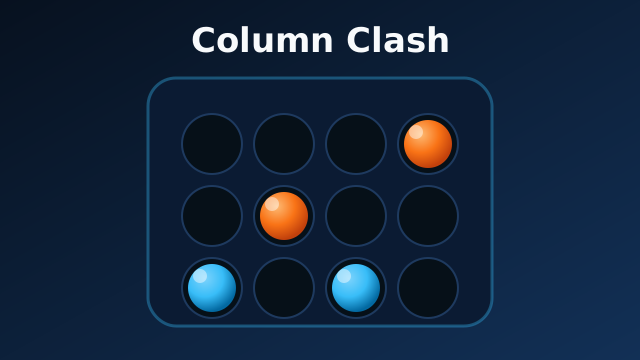 Online
Puzzle
Column Clash
Turn-based connect-four duels
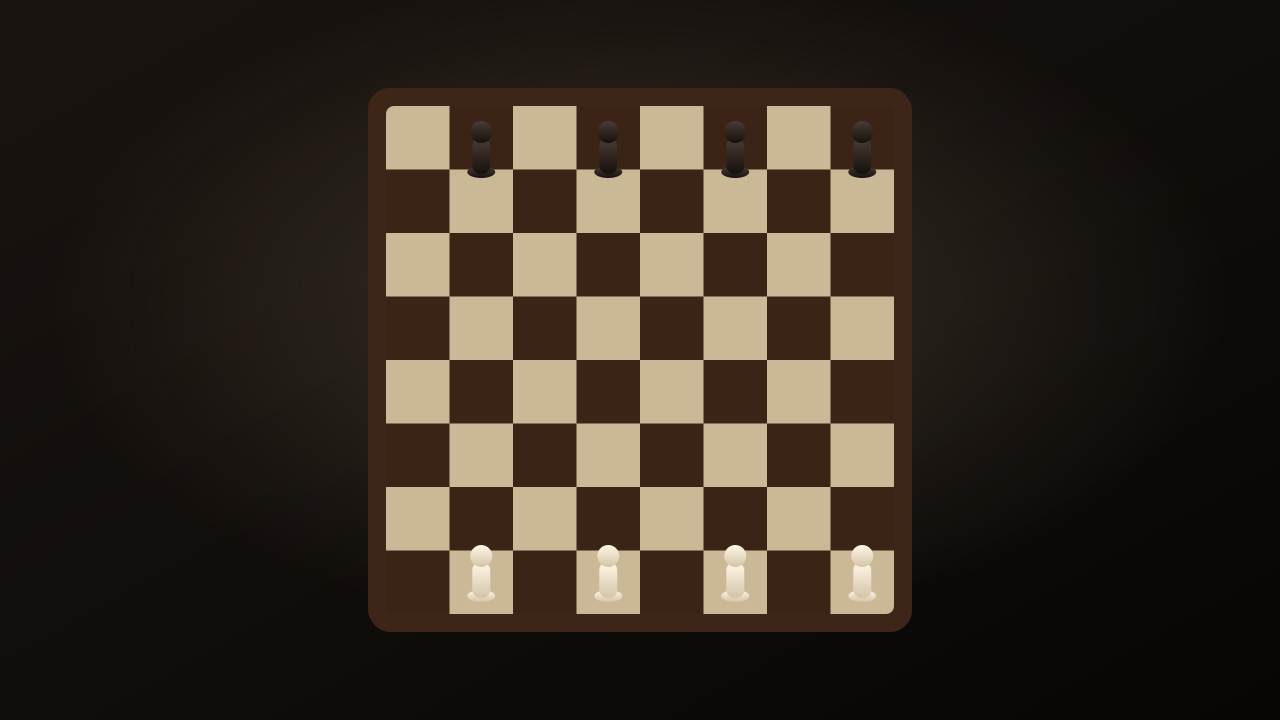 Online
Strategy
Flying Soldiers
Slingshot chess soldiers across a physics board
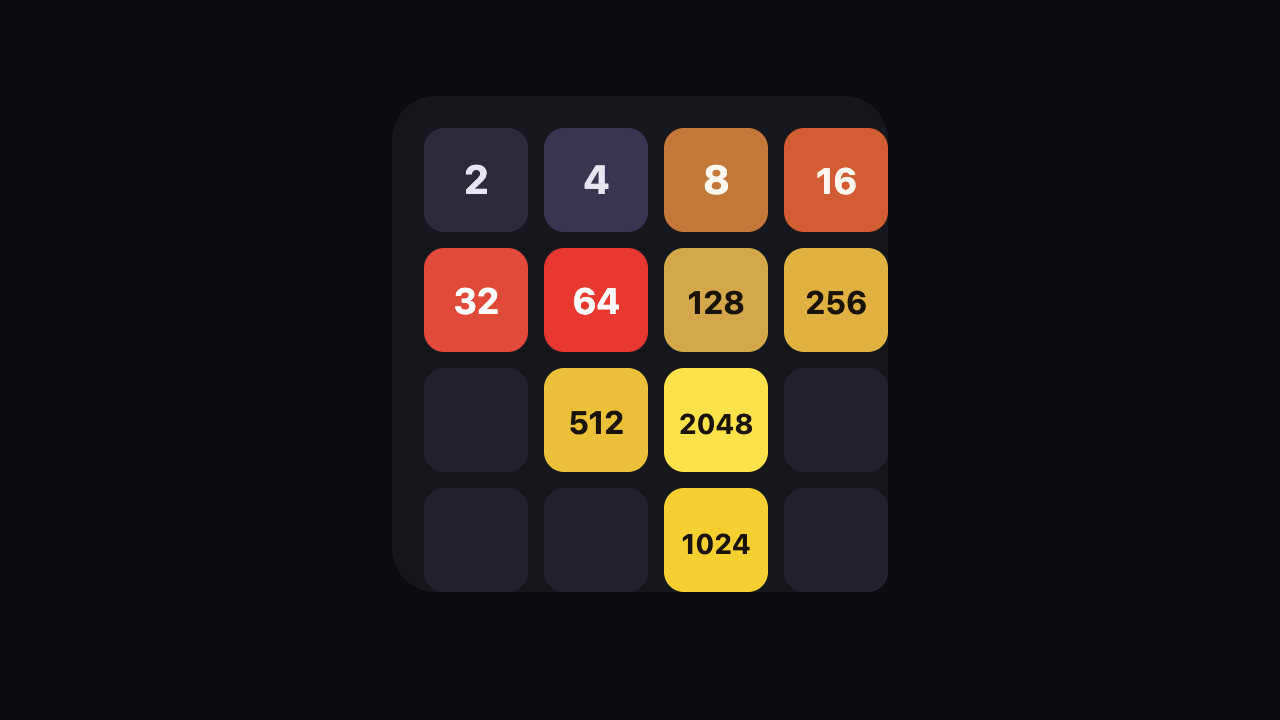
Puzzle
2048
Slide, merge, and build a 2048 tile on a Classic 4x4 board.
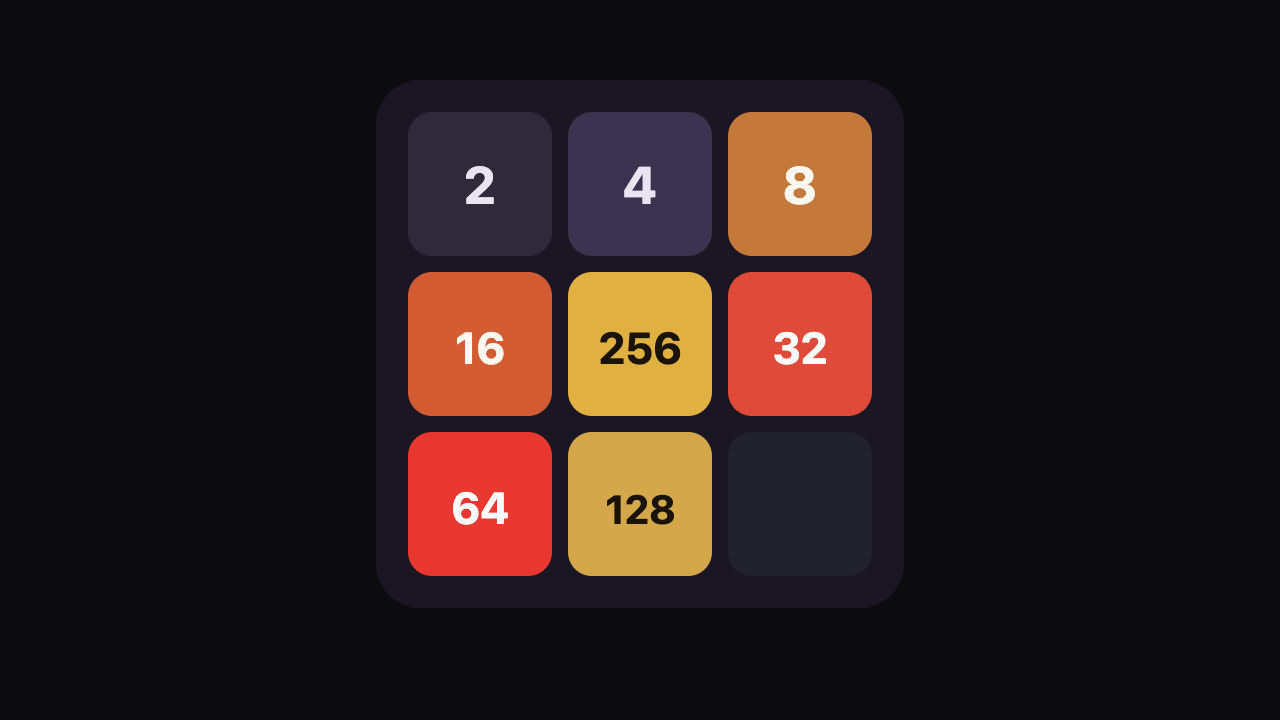
Puzzle
3x3 2048
A nine-cell 2048 board where every swipe has to earn its keep.
Puzzle
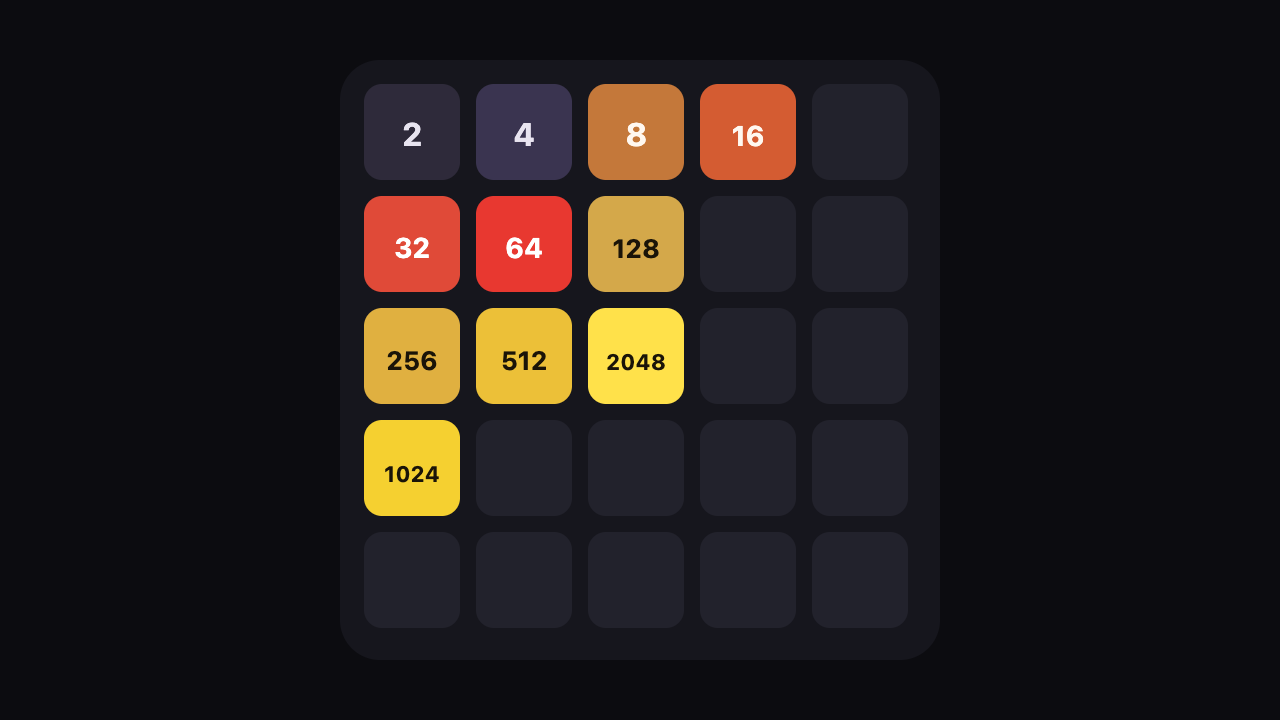
5x5 2048
Twenty-five cells, one new tile per turn, and room to recover a bad swipe.
Puzzle
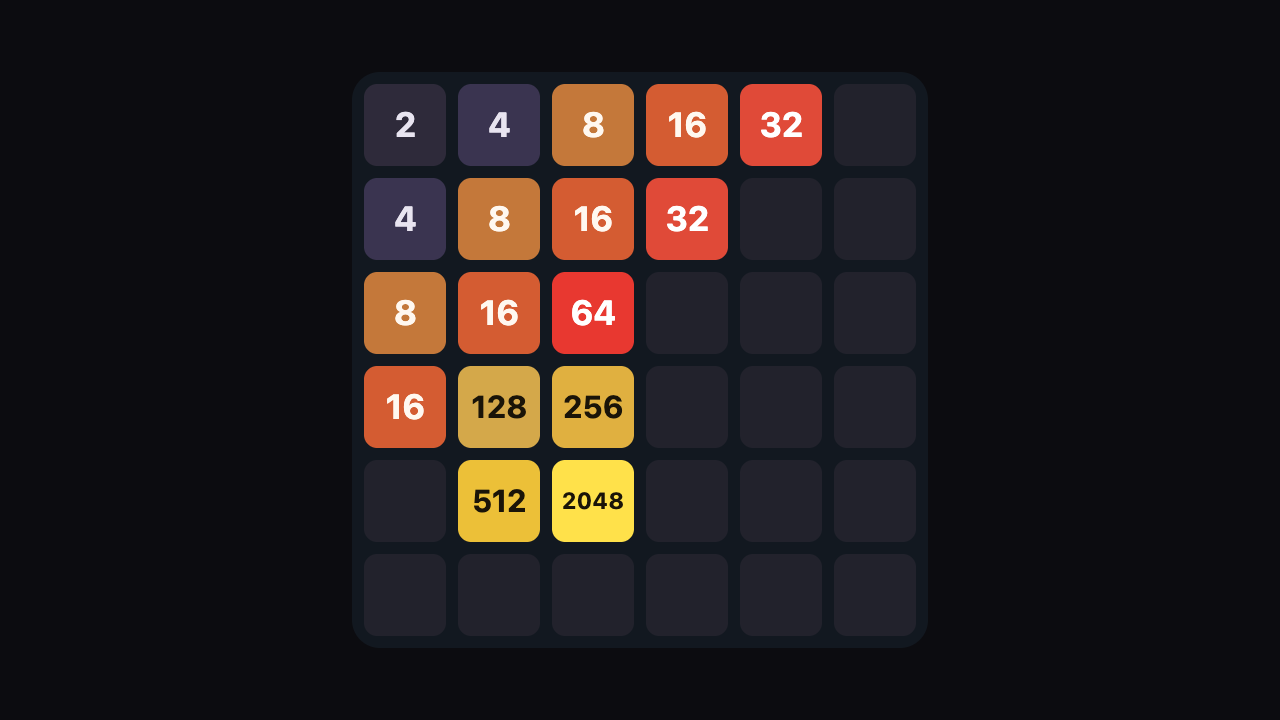
6x6 2048
A 36-cell board for long merge chains and patient corner play.