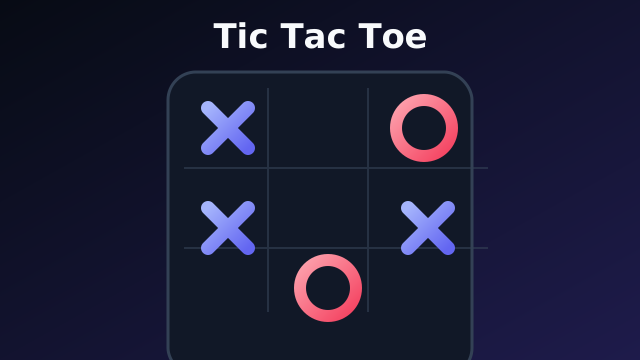
Play Tic Tac Toe online
Classic X and O — vs AI or online
2D · How do you want to play?
Play opens fullscreen. Back exits the game. Change your name in the header.
At a glance
- Kind
- 2D browser game
- Genre
- Strategy
- Play modes
- Single player, plus online multiplayer (turn based) on two devices (Invite or Anyone). Same-device pass-and-play is not offered.
- Cost
- Free — no download or account required
- Devices
- Desktop and phone (keyboard and touch)
How to play
- 1Choose Single player to face the AI, or Multiplayer for a match on two devices (Invite or Anyone).
- 2You are X and go first. Tap an empty square to place your mark.
- 3Get three in a row — across, down, or diagonal — to win.
- 4Vs AI: tap the difficulty label under the board (Easy through Impossible).
- 5Online: Invite — create a private room and share the link, QR, or six-character code (your friend can type the code on Invite). Anyone — join or create a public table. Moves are validated on the server.
About this game
Tic Tac Toe here is a polished take on noughts and crosses: a luminous 3×3 board, smooth mark animations, and clear turn feedback. Play against AI at four difficulty levels — including mathematically optimal Impossible — from the in-game difficulty control.
Online matches use Colyseus with server-authoritative turns: only the active player can move, wins and draws are decided on the server, and private rooms share a six-character code or link. Session scores track wins and draws through the site shell. There is no pass-and-play on one device — a second player needs a second phone, tablet, or tab.
Tap Play for fullscreen. Keyboard players can use keys 1–9 or arrows plus Enter. The board stays readable in light and dark catalog themes.
Controls
- Place mark
- Tap a square, keys 1–9, or arrows + Enter
- Change AI difficulty
- Tap the AI label under the board in a solo match
- Exit
- Back on the play chrome
What you get
- 3×3 board with win-line highlight
- AI Easy / Medium / Hard / Impossible
- Online two-player with server-validated turns
- Session scoreboard
Tic Tac Toe FAQ
Can I play tic-tac-toe with a friend online?
Yes. Choose Multiplayer, then Invite. Create a private room and share the link, QR, or six-character code — they type the code on Invite if they do not have the link. Or pick Anyone for an open table. Both players need their own device or browser tab.
Can two people play on one phone?
No. Single player is you versus AI. A second human needs Multiplayer on two devices.
How hard is the AI?
Four levels: Easy (mostly random), Medium (blocks and takes wins), Hard and Impossible (optimal minimax). Impossible cannot lose on a standard 3×3 board.
Is tic-tac-toe free?
Yes. Open the page and tap Play. No account or download.
Does Play go fullscreen?
Yes. Native fullscreen first, CSS fallback on iOS. Back restores the landing page.
More games
Related InstantGameBox titles — each has its own how-to-play page.
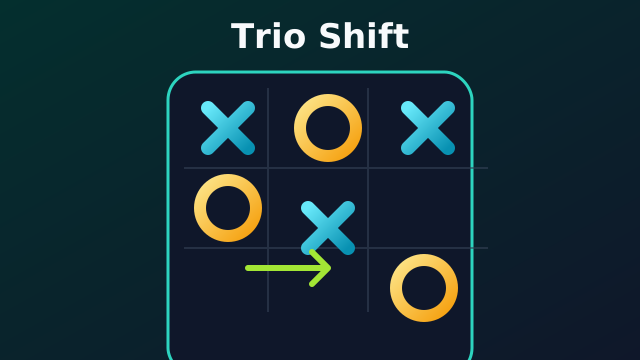 Online
Strategy
Trio Shift
Place three, then slide for three in a row
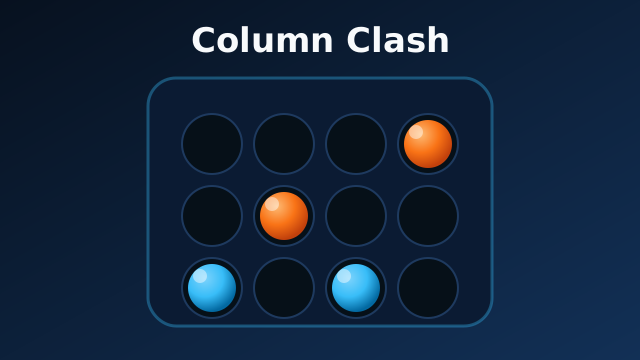 Online
Puzzle
Column Clash
Turn-based connect-four duels
 Online
Action
Orb Duel
Real-time orb arena for two players
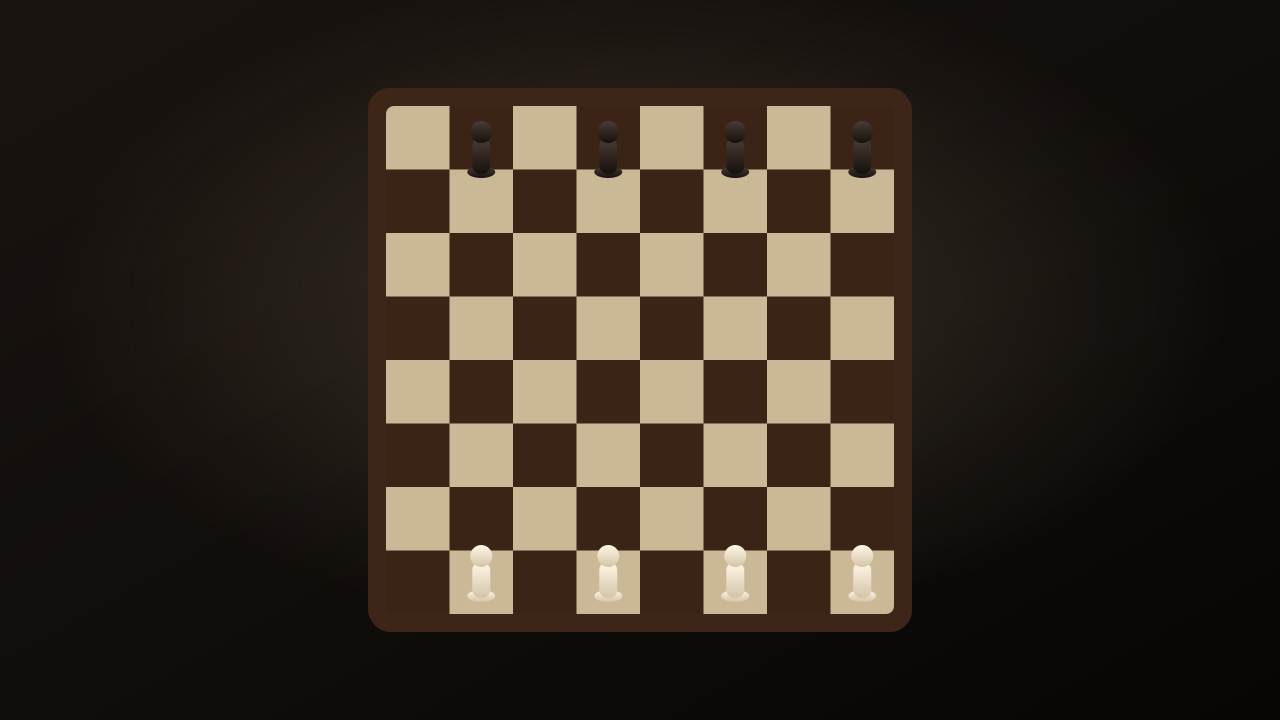 Online
Strategy
Flying Soldiers
Slingshot chess soldiers across a physics board
Puzzle
2048
Slide, merge, and build a 2048 tile on a Classic 4x4 board.
Puzzle
3x3 2048
A nine-cell 2048 board where every swipe has to earn its keep.